
Video Routing
Here you specify the path from where the videos will be served.
For demo purpose, we will be using www.nviztest.com domain as an example.
Prerequisite#
- You must have your domain registered on Nitrogen.
- You must have AVO enabled on your domain. Refer this article if not done.
- You must have a created a URL pattern for videos. If you have not, please refer this article .
Steps#
Click on
AVOmodule.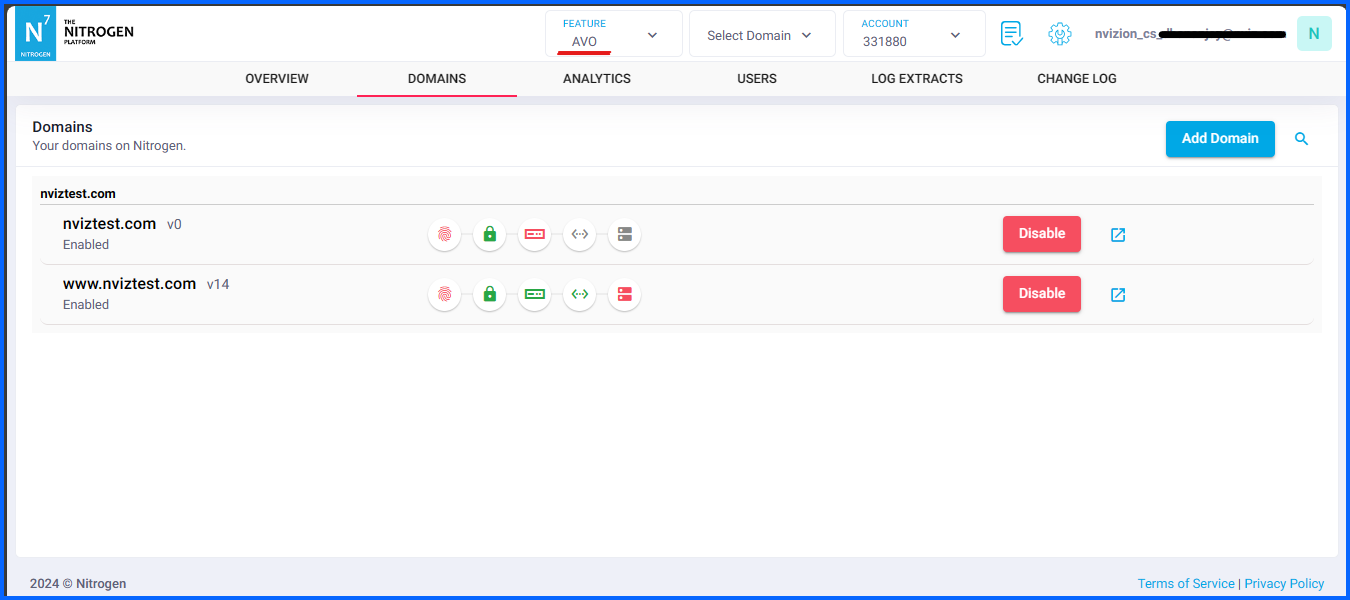
Click on
Routingbutton.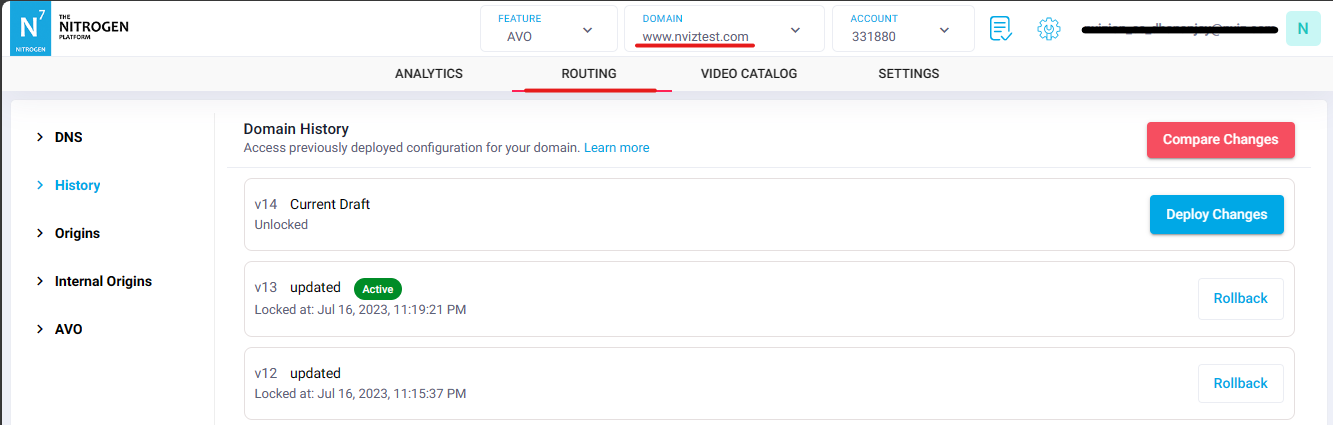
Select
AVOmenu from left side.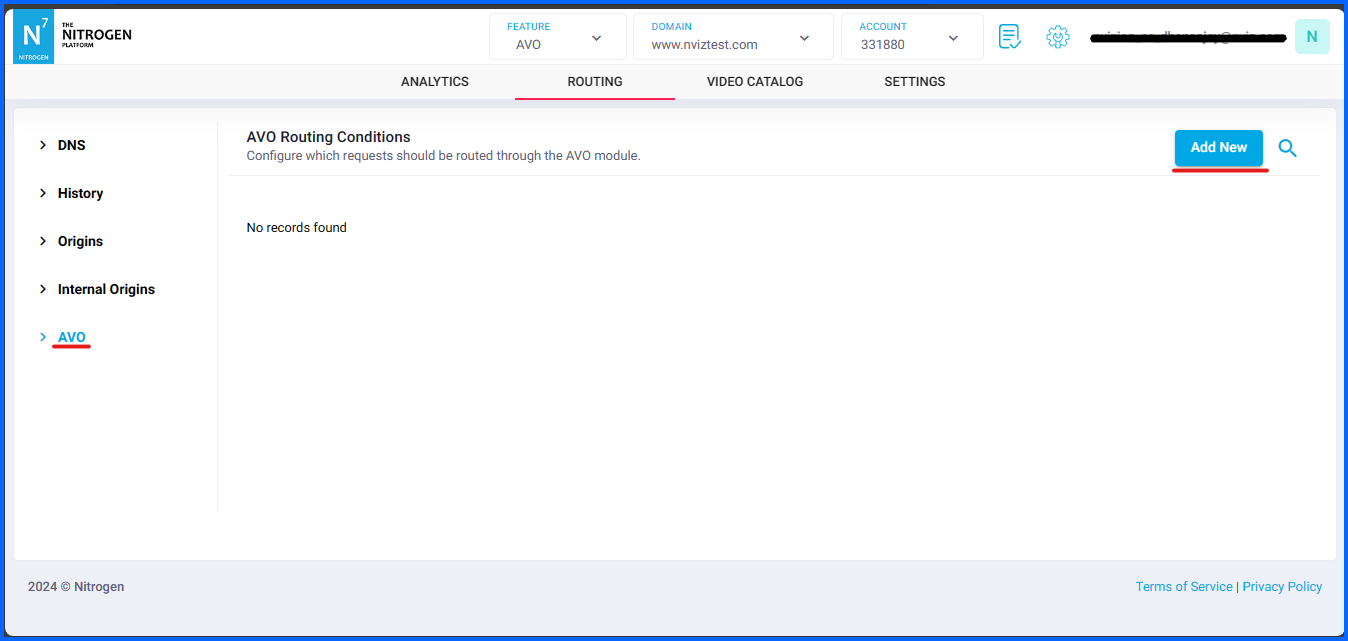
Click on
Add Newbutton.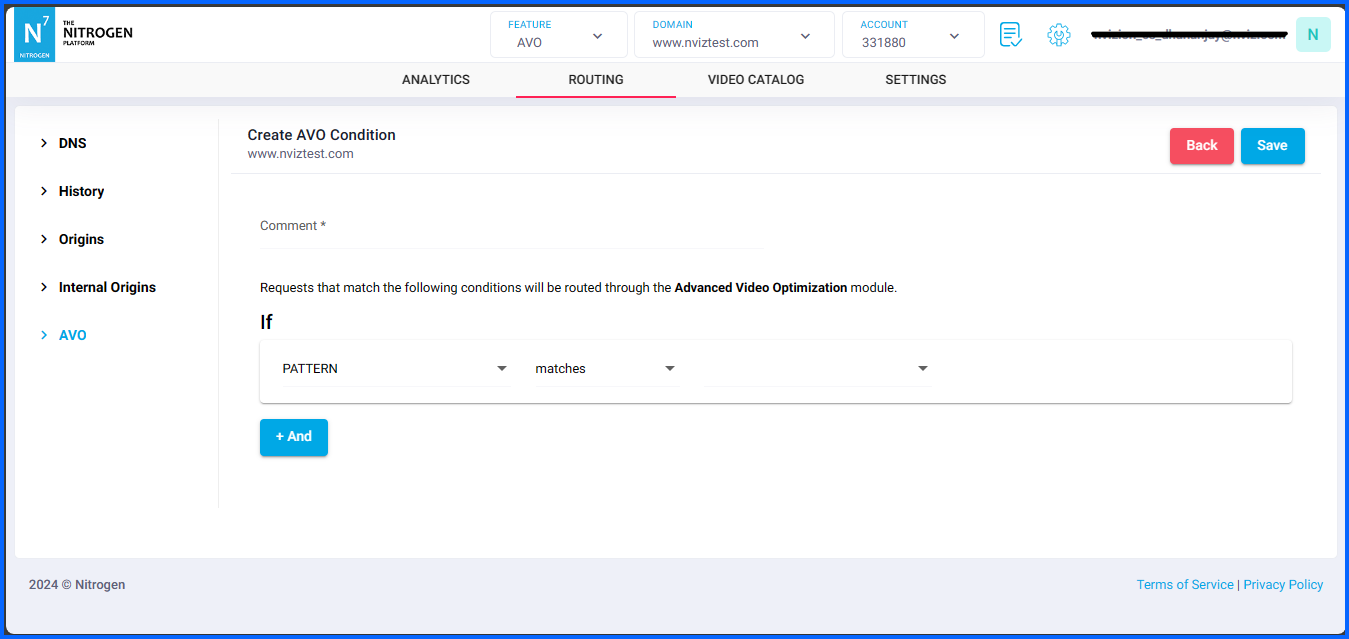
Provide respective label to routing rule in
Commenttext-box.
And, Prepare respective condition inIfsection.
We will selectPATTERNMatchesVideoscondition.
If you need, you can add multiple conditions (up-to 3) by clicking on+Andbutton.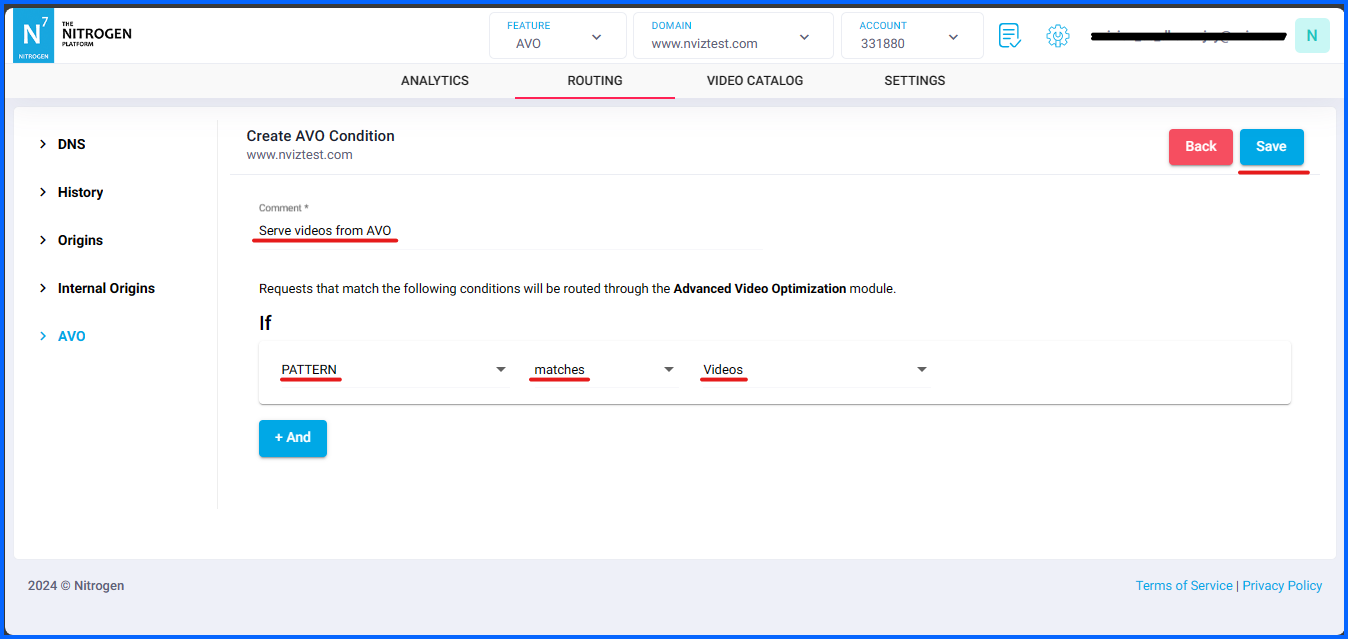
Click on
Savebutton.
Notes#
These changes will only take effect when deployed. Saving them will only be saving them in draft. Please refer documentation about Deploy process for it.
Run AVO script for every new video added on your domain - to create respective variants.
Because, till the variants are not created, AVO will serve original video on domain.