Purge logs
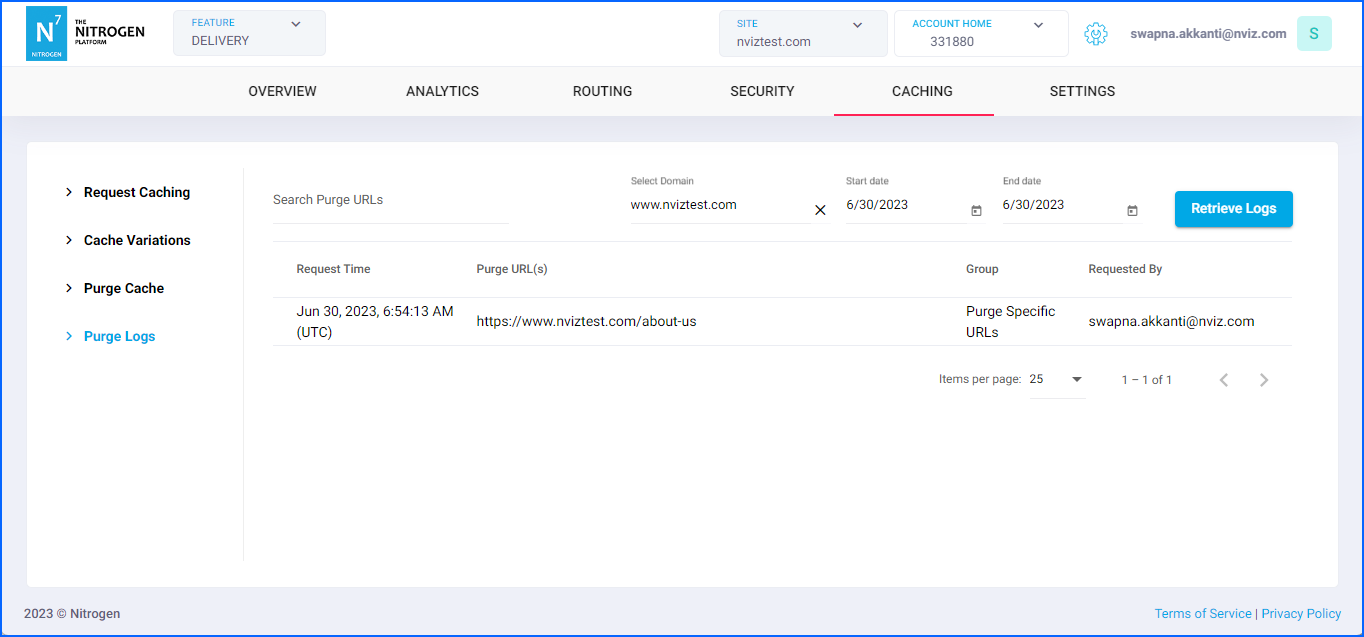
You can see here the logs of the purge activity by your team.This can also help you in identifying sudden increase in requests if purge was performed.*Note: For demo purpose, we will be using www.nviztest.com domain as an example.
Prerequisite#
- You must have a domain configured on Nitrogen.
- You should have caching configured. If not, you can refer this article for the same.
- You should have performed purge. If not, you can refer this article for the same.
Steps#
Click on
Cachingmenu, then selectPurge Logstab. Select appropriate domain from the domains dropdown.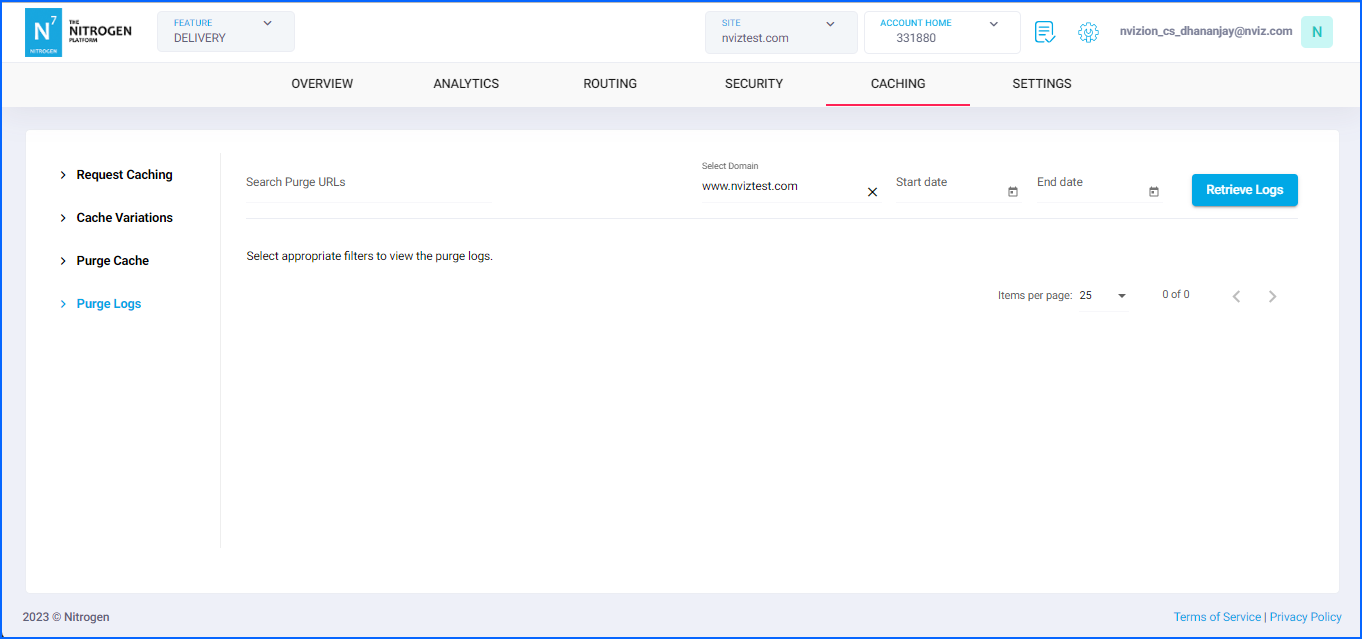
Here, please provide the required details to fetch the logs for:
Start date: from when the logs should be fetched.End date: till when the logs should be fetched.
Click on
Retrieve Logsbutton to fetch the logs for selected timeframe.Request Time: When the cache was purged.Purge URL(s): For which resources the cache was purged.Group: The caching group for/from which the cache was purged.Requested By: which user performed purge.