
Page Groups
Congfiring the page group is prerequisite for SERA to fetch the data in various sections or pages,
follow the steps for configure,
Steps#
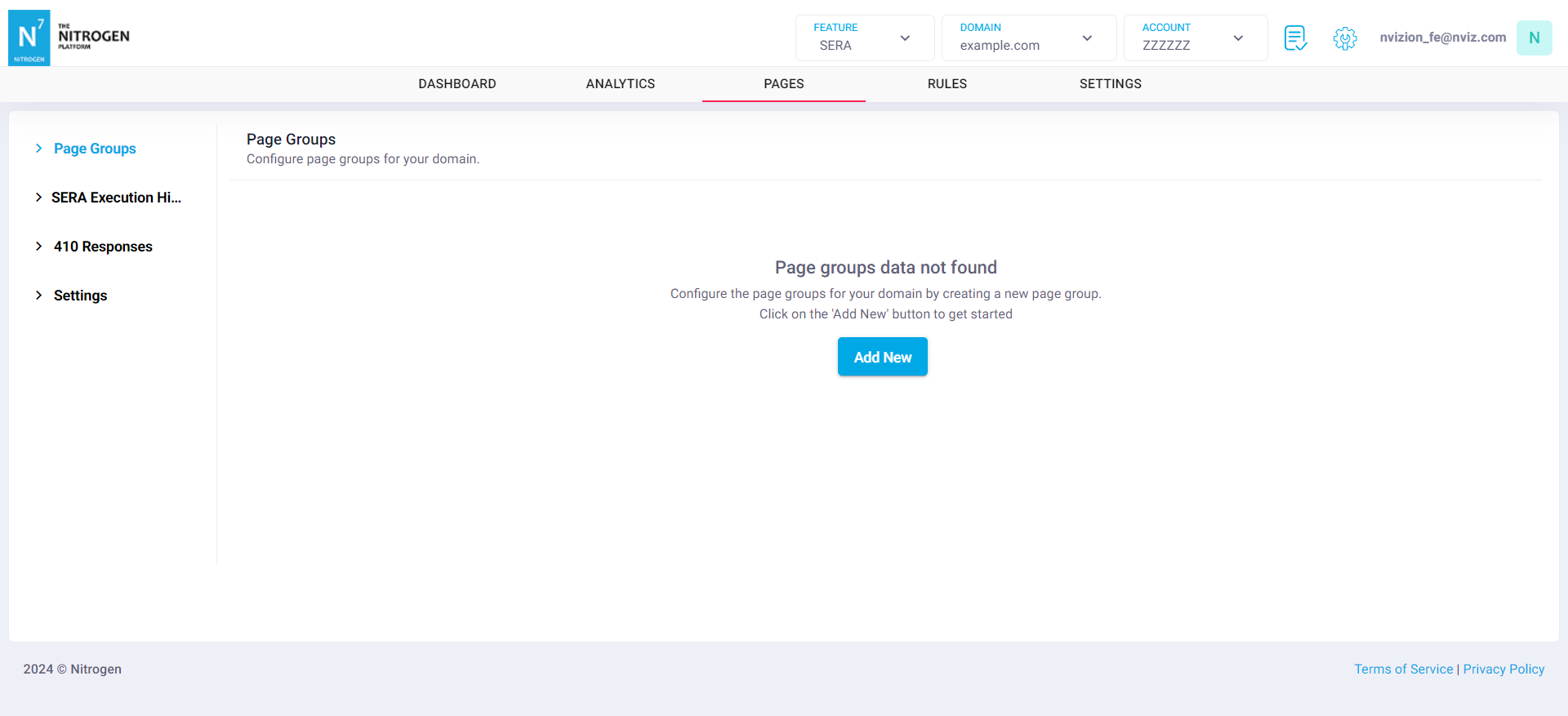
If page group is NOT configured there will be a prompt to add new page group
Otherwise it will show the configured page groups in this section
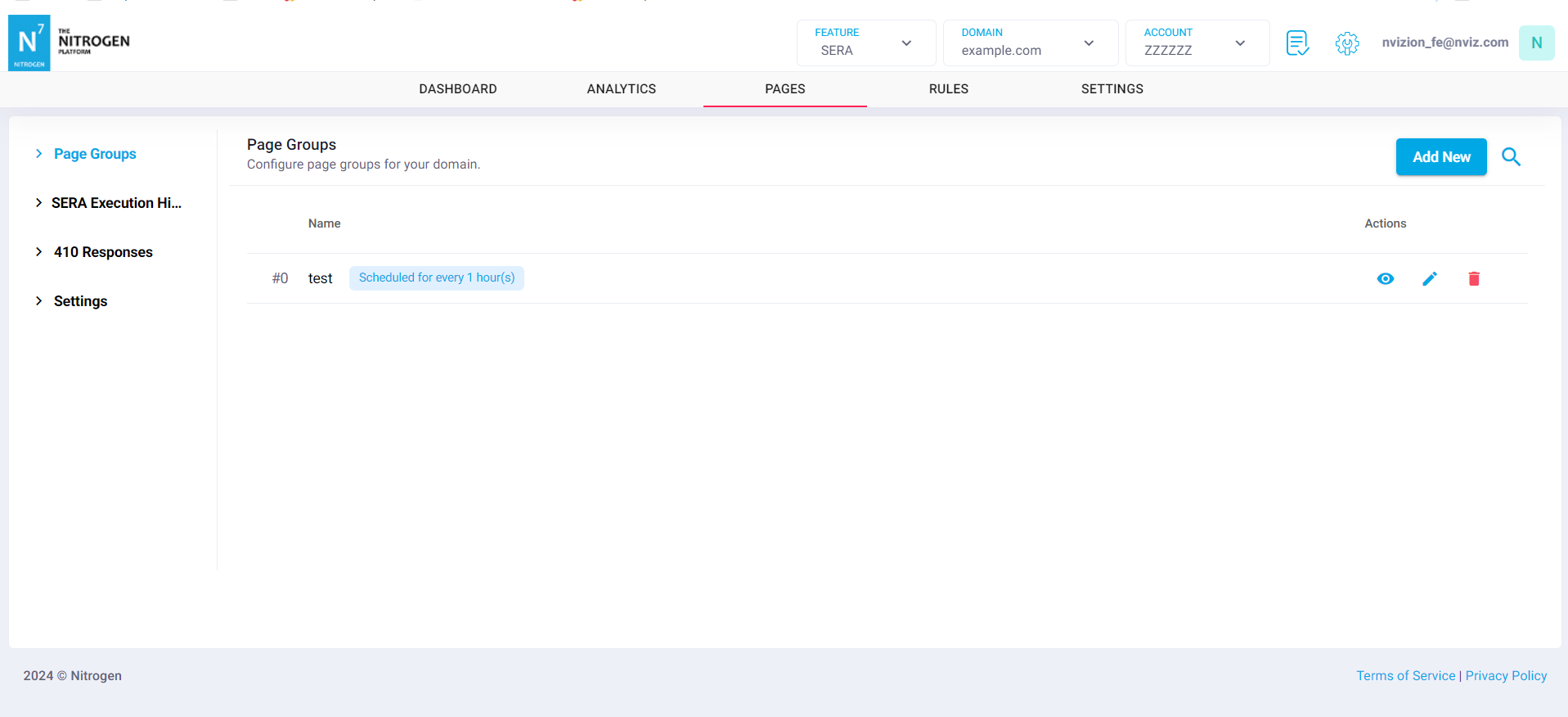
If page group NOT configured, click on
Add Newbutton, then it will navigate to another screen to configureKindly fill the all the required fields to complete the configuration
Provided sample data (Note: you need to enter your required data)
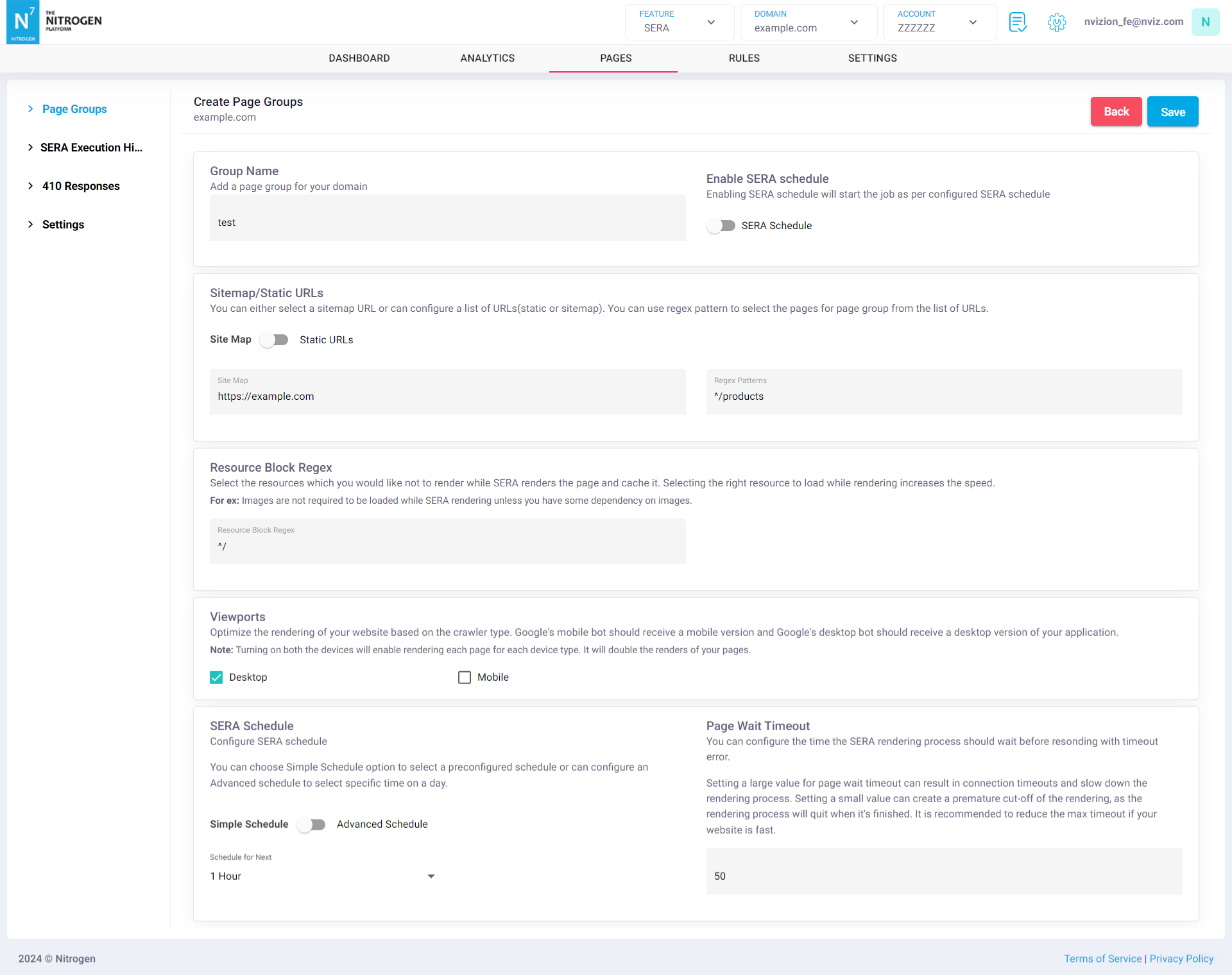
Please Note that you have to enable Sera Schedule for sera jobs to be scheduled.
After entering all the required fields, click on
SAVEbutton and it will navigate to listing page and you can see the configured page group in the list.
Schedule#
A page group runs on either a Simple Schedule or an advanced schedule.
Simple Schedulerepeats at a fixed interval. The available intervals are1 Hour,8 Hours,12 Hours,1 Day,7 Days,10 Days,15 Days,30 Daysand90 Days.Pick the longest interval that still keeps your pages current.90 Dayssuits sections whose content rarely changes, and keeps render usage low.The advanced schedule runs on the days and hours you choose, instead of a fixed interval. Use it when renders should happen in a specific window, such as overnight.
Note: You have to enable Sera Schedule for sera jobs to be scheduled.