
SERA integration on Cloudflare
Kindly follow the below steps to setup the routing of bot traffic to SERA.
Prerequisites#
- This configuration will only work if site DNS is in Proxy mode
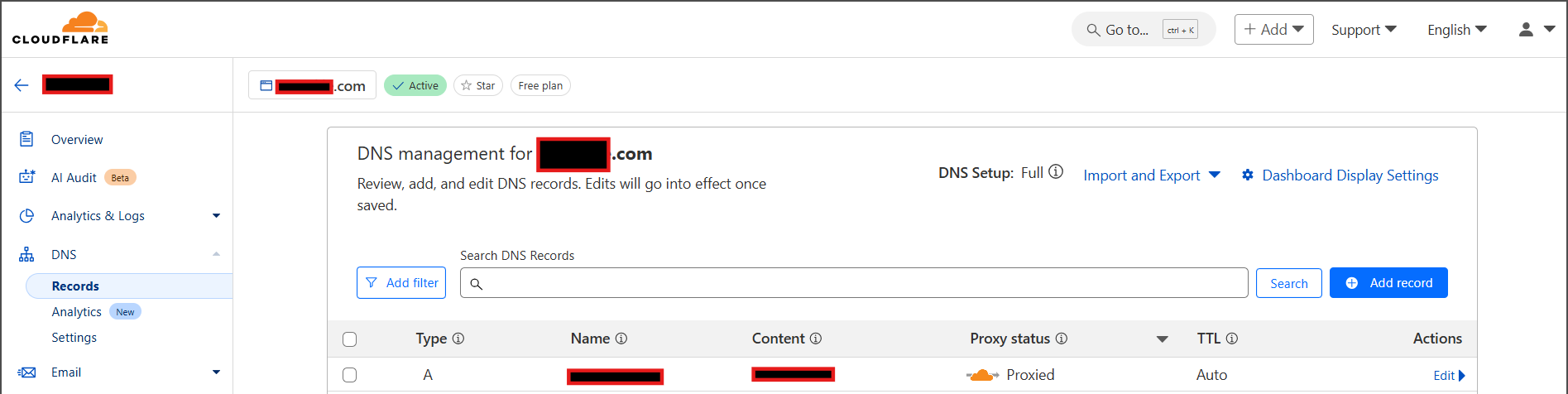
Else, if your pages are not cached, you can set it at origin server (Nginx , Apache , custom etc.) - All your page requests must get intercepted by Cloudflare origin-rule or Worker
- Please check your routing, caching and cache-variation policies for that
- Users and Bots should have a separate cache-variations configured. This is to not serve the SERA’s bot-optimized-content to users.
Steps#
Select the steps according to your plan:
Steps for Enterprise plan customers#
Create a DNS record for SERA#
Select
DNS > Recordmenu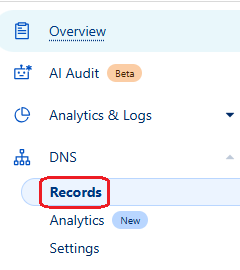
Click on
Add record
Select
TypeasCNAME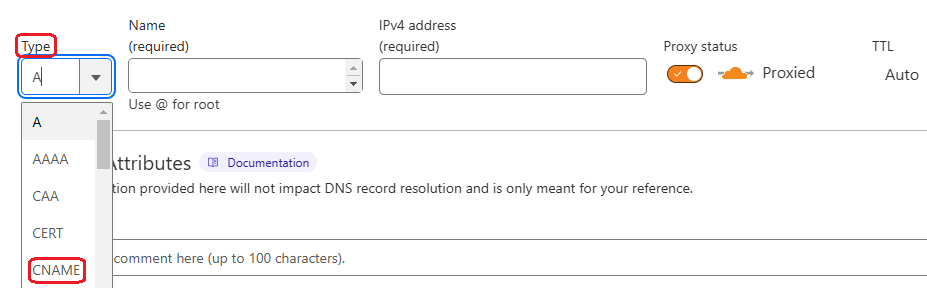
Set the values as following :
Name: Set assera
So that, the resultant domain would besera.your.domainname.come.g.sera.www.example.com. You will be referring it in next steps.Target: Set as the one shared by n7 team (e.g.yourdomain-sera.n7.ioorsera.n7.io)Proxy status: Keep the switch set toProxied
Create an Origin rule to route requests to SERA#
Open Cloudflare Dashboard and Select the site on which SERA is to be configured
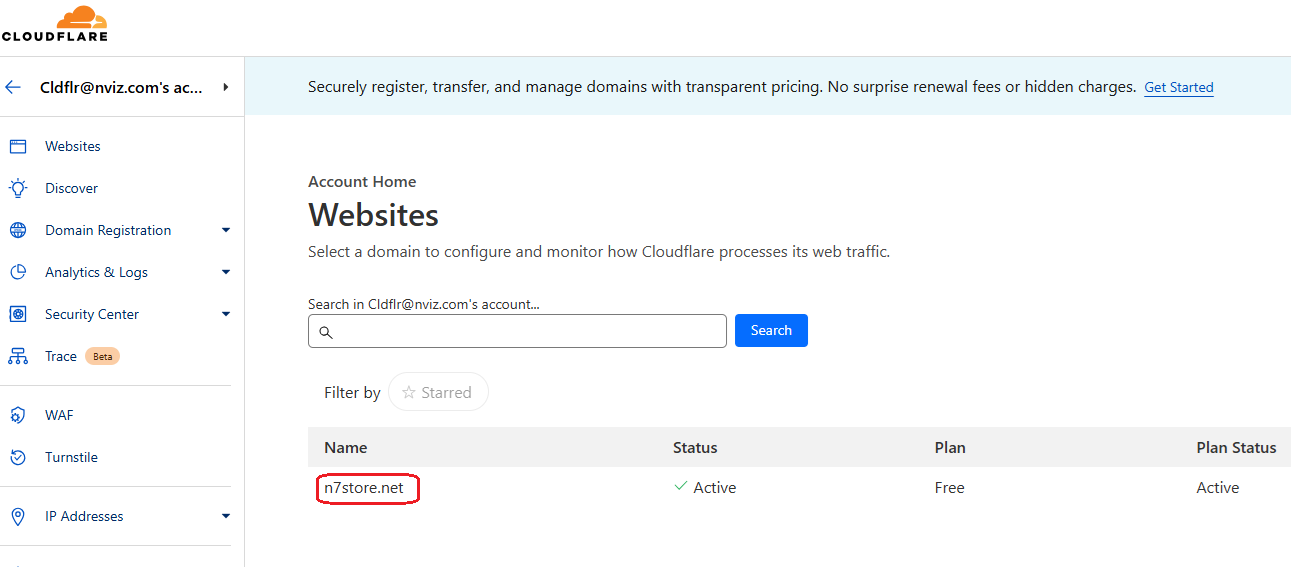
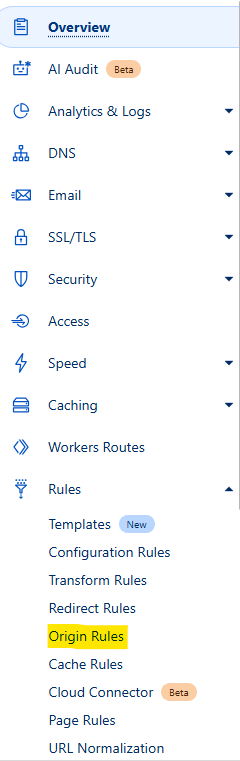
Go to Rules then select Origin rules menu
Click on
Create Rulebutton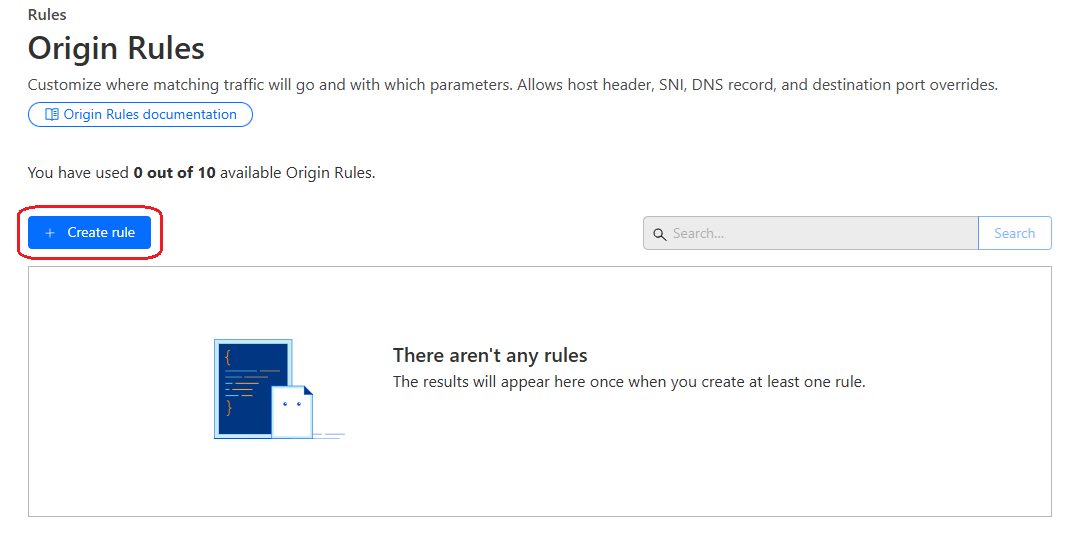
Put
Rule Namee.g.SERA routing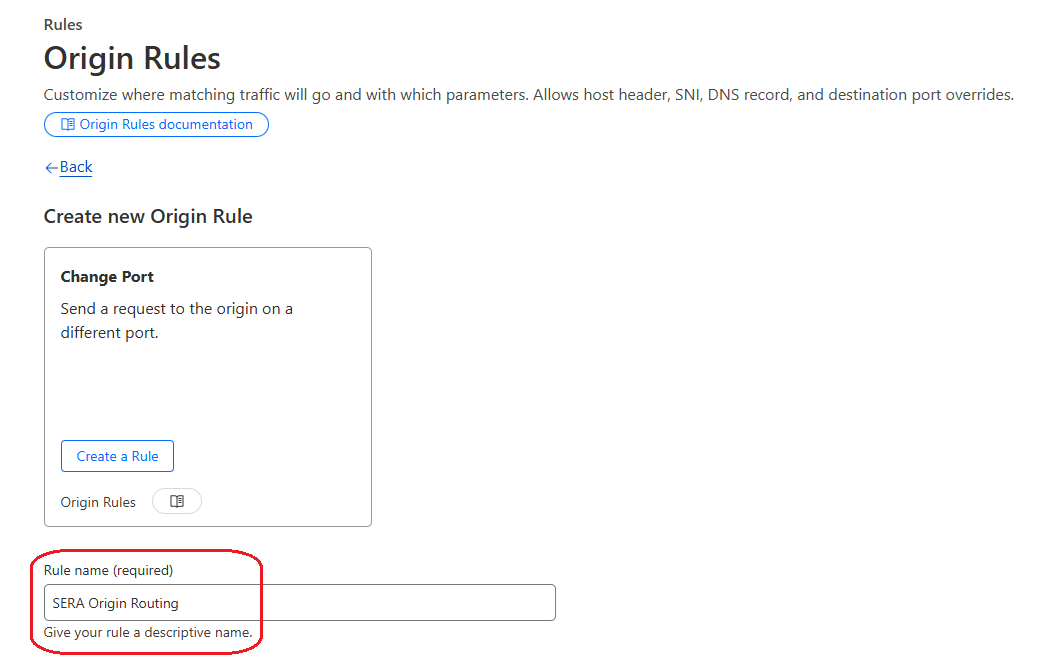
Select Custom filter expression option
Click on Edit Expression
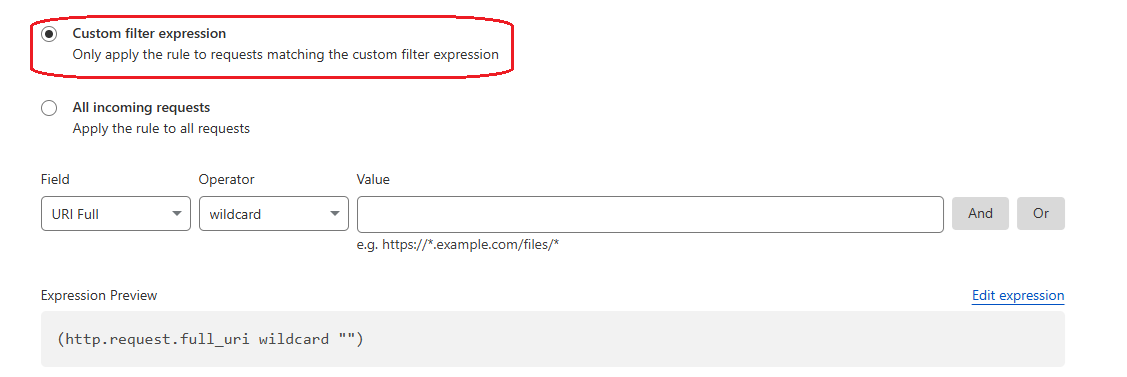
Put below expression in textarea :
REPLACE FOLLOWING VALUES IN THE CONDITION :host- Page extensions
- Not-to-be-crawled pages
Use this during testing phase :
(http.host == "your.domain.com" and http.request.method == "GET" and http.user_agent matches r"(?i)(n7TestUserAgent|google\ page\ speed|chrome-lighthouse|google-inspectiontool|PTST|GTmetrix|n7ua)" and http.request.uri.path.extension matches r"^(|html|aspx|php)$" and not http.request.uri.path matches ".*/(api/|_next/|cdn-cgi/|account/|wishlist/|cart/|checkout/|page-not-found|undefined).*" and not any(http.request.uri.args.names[*] == "nsbp") and not any(http.request.headers["x-nv-app"][*] == "sera") and not any(http.request.headers["x-nv-sera-bypass"][*] == "true"))
For actual bots, use this :(http.host == "your.domain.com" and http.request.method == "GET" and http.user_agent matches r"(?i)(n7TestUserAgent|google\ page\ speed|chrome-lighthouse|google-inspectiontool|PTST|GTmetrix|n7ua|googlebot|facebookexternalhit|bingbot)" and http.request.uri.path.extension matches r"^(|html|aspx|php)$" and not http.request.uri.path matches ".*/(api/|_next/|cdn-cgi/|account/|wishlist/|cart/|checkout/|page-not-found|undefined).*" and not any(http.request.uri.args.names[*] == "nsbp") and not any(http.request.headers["x-nv-app"][*] == "sera") and not any(http.request.headers["x-nv-sera-bypass"][*] == "true"))
For AI bots, use this :(http.host == "your.domain.com" and http.request.method == "GET" and http.user_agent matches r"(?i)(openai|gptbot|claudebot|claude-user|perplexity-user|perplexity-bot|google-extended|google-cloudvertexbot|google-notebooklm|amazonbot|duckassistbot|metaai|metabotic|meta-externalagent|copilot|baiduspider)" and http.request.uri.path.extension matches r"^(|html|aspx|php)$" and not http.request.uri.path matches ".*/(api/|_next/|cdn-cgi/|account/|wishlist/|cart/|checkout/|page-not-found|undefined).*" and not any(http.request.uri.args.names[*] == "nsbp") and not any(http.request.headers["x-nv-app"][*] == "sera") and not any(http.request.headers["x-nv-sera-bypass"][*] == "true"))
[ Maintain same expression at Origin rule as well as Transform rule ]
x-nv-appandx-nv-sera-bypassheaders mentioned in logic are added on request when SERA connects to your server to fetch page content for optimizing and caching, and also when it bypasses the requests to origin on failover scenario.
These requests are bypassed to your server.
In
ThensectionSet
Host headeroption toRewrite to, and in textbox provide value as the one shared by n7 team (e.g.yourdomain-sera.n7.ioorsera.n7.io)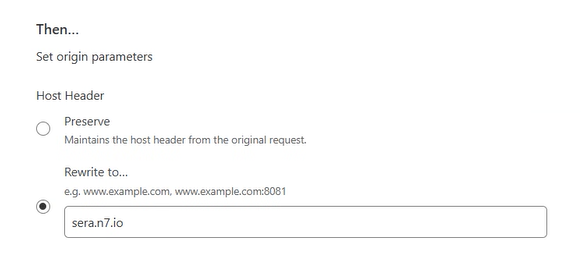
Set
SNIoption toPreserve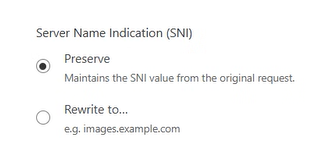
Set
DNS Recordoption toOverride to, and in textbox provide value assera.your.domainname.come.g.sera.www.example.com
(Here you are referring the DNS you had created in earlier step.)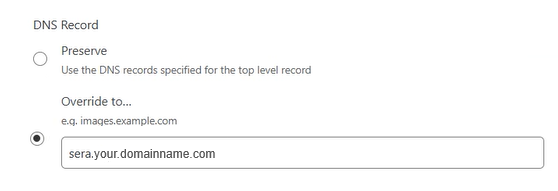
Set
Destination Portoption toPreserve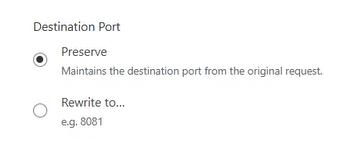
Placethe rule atFirstby selecting respective option andSaveit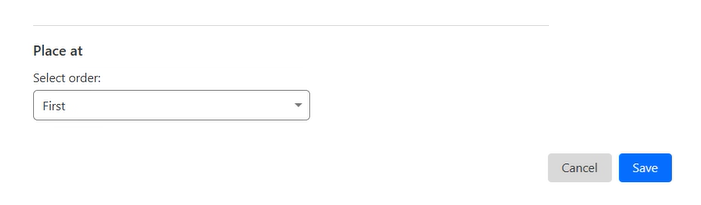
Create a Transform Rule#
Select
Rules > Transform Rulesmenu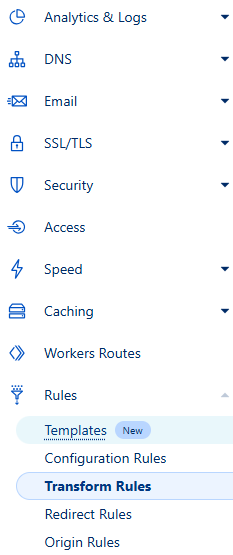
Select
Modify Request Headertab
Click onCreate Rulebutton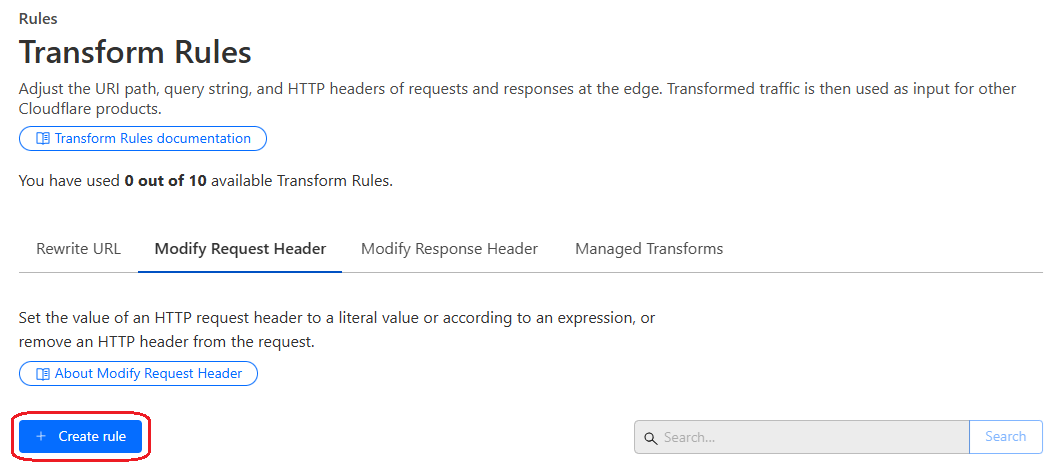
Put
Rule Namee.g.SERA token setting rule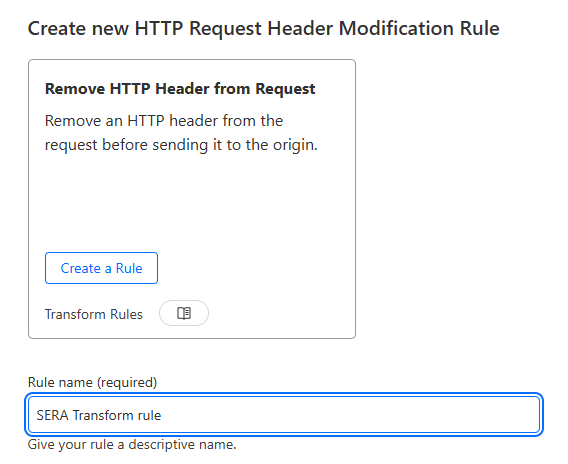
Select
Custom filter expression
Put the same expression in textarea - that is set inOrigin Rule
[ Maintain same expression at Origin rule as well as Transform rule ]Select
Set static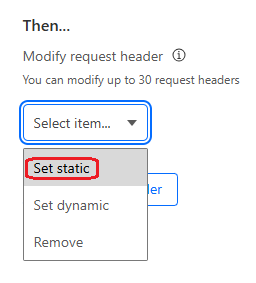
Set
Header nameasx-nv-sera-token
SetValueas the SERA token shared with you by N7 team
Steps for customers with other plans#
Create a worker with below steps#
Open Cloudflare Dashboard and click on
Workers & Pageson the left side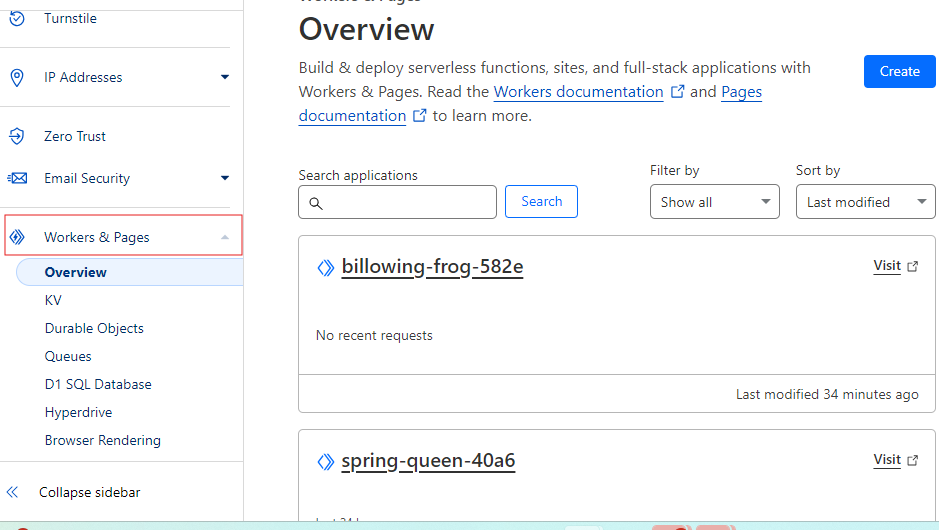
Click on
Create Worker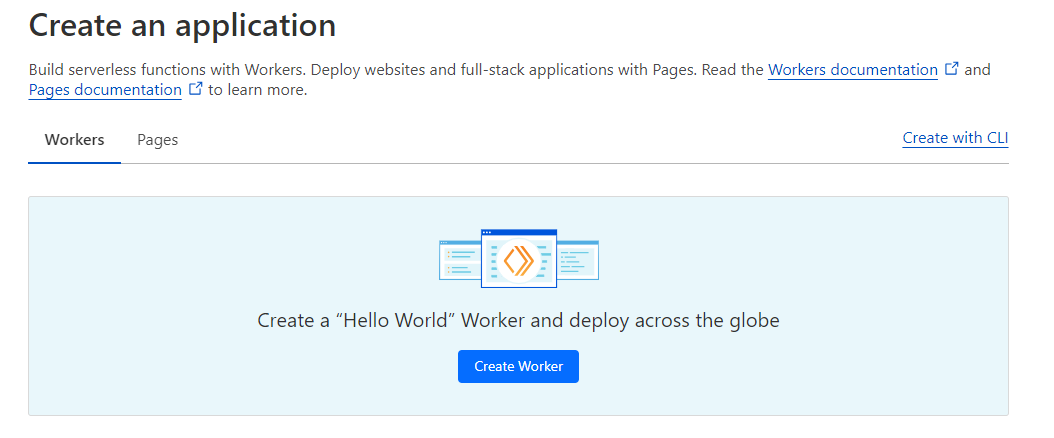
Give your worker a name
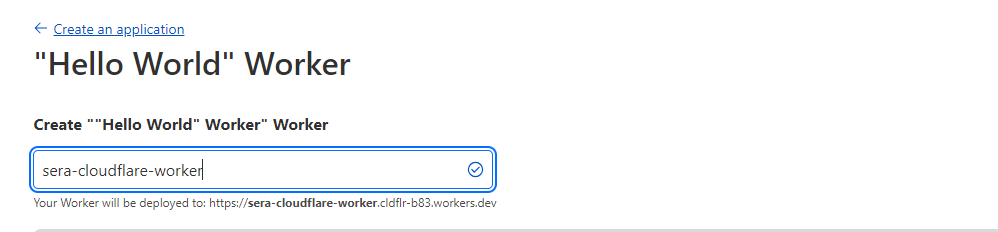
Click on the
Deploybutton at the bottom right
Click on
Edit code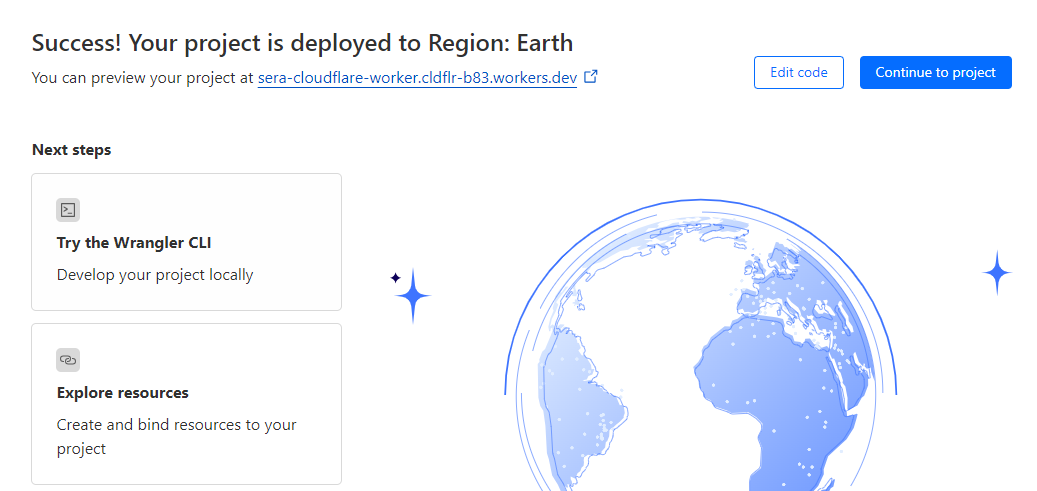
Replace the example code with this code
- Change
YOUR_TOKENwith the SERA token shared with you - Put the relevant bot user-agents in the
BOTSarray which should be routed to SERA.
Check the Testing and Refinement section for some tips. - Keep the file types which should not be sent to SERA in the
SKIP_EXTarray (only the pages be sent to the SERA)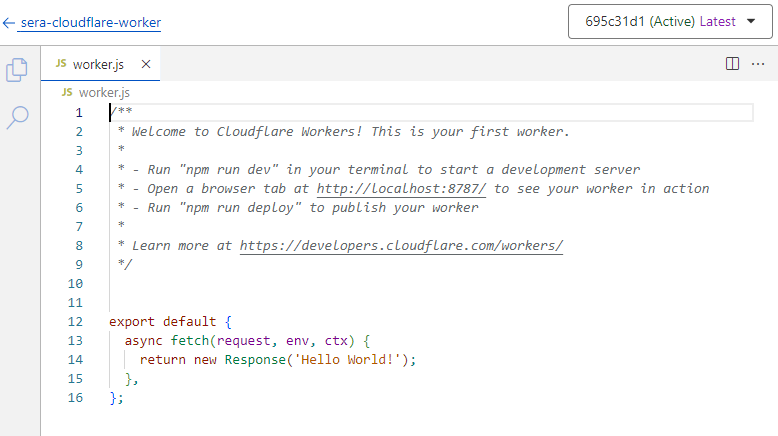
- Change
Click on Save and deploy
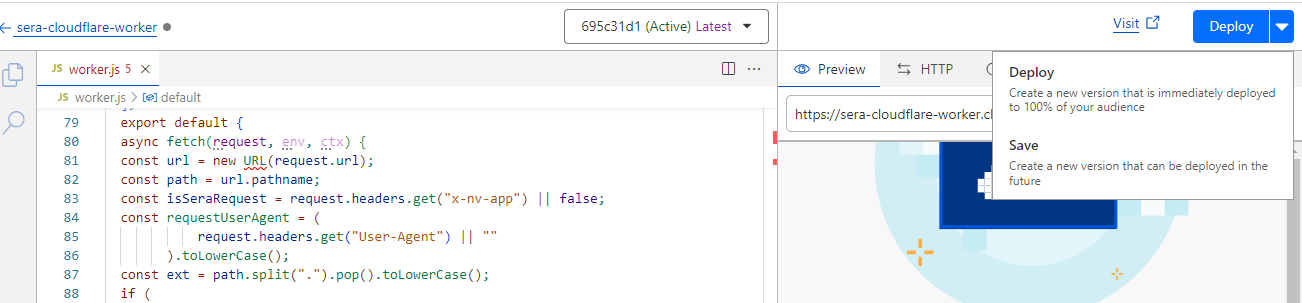
- If the pop-up modal shown, click on Save and deploy
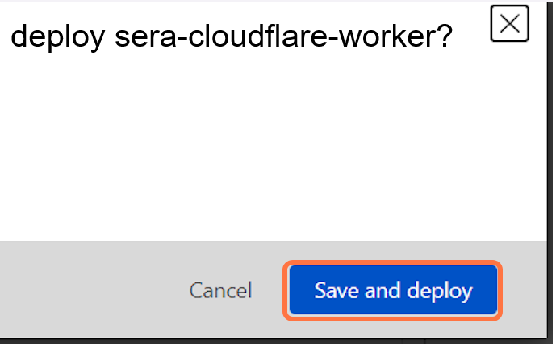
- If the pop-up modal shown, click on Save and deploy
Map the worker to your domain with below steps#
Step back to the previous interface by clicking on the name of your worker on the top left
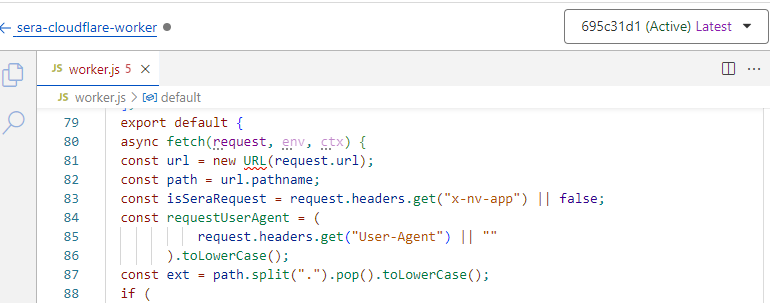
Click on
Settings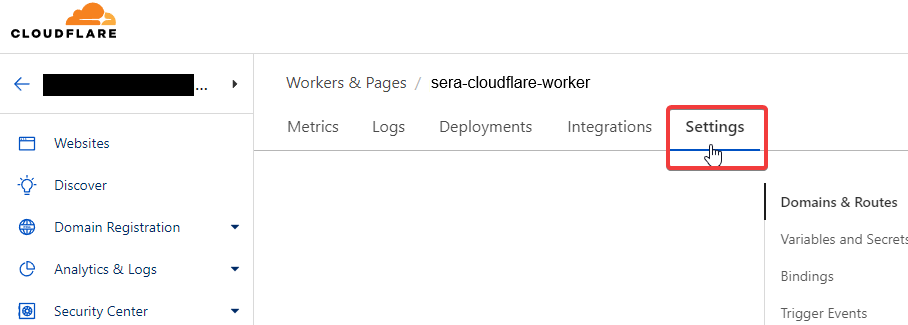
Next to the
Domains & Routes, click on+Add
Select
Route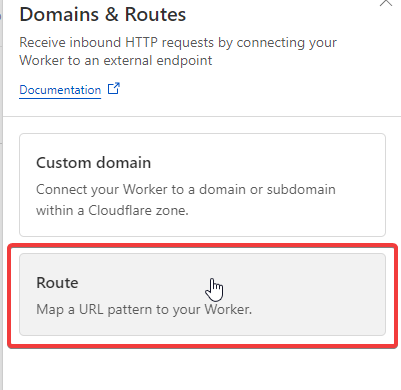
Type in your domain like this: example.com/ and Select the
Zonewhere your site is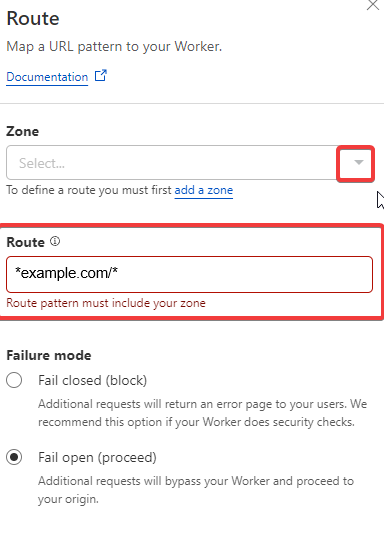
Click on
Add route
Click on
Deploy
Changes needed at GMC end#
GMC requests should always be served with fresh content, else Google flags them with content-mismatch.
So, make sure all the product URLs in your GMC feed file havensbpquery parameter.
Above condition will bypass SERA for such requests, and route them to your origin.
Testing and Refinement#
Keep refining the logic by adjusting user-agent list, and SERA exclusion-patterns as needed.
Whitelist SERA requests at your origin to avoid any issues with indexing. Details are here
Test thoroughly:
WPT and GTMetrix will automatically receive the response from SERA due to the routing rule set above.
- Steps to validate page using WPT
To check the SERA rendered page on browser, you can use DevTools > Network conditions facility , or some browser extension (like Simple modify headers ) to manipulate the browser user-agent.If in testing phase, use these user-agent values:For desktop:
n7TestUserAgentFor mobile:
n7TestUserAgent; AndroidIf SERA is live, you can use these actual bot user-agent values:For desktop:
Mozilla/5.0 AppleWebKit/537.36 (KHTML, like Gecko; compatible; Googlebot/2.1; +<http://www.google.com/bot.html)> Chrome/W.X.Y.Z Safari/537.36For mobile:
Mozilla/5.0 (Linux; Android 6.0.1; Nexus 5X Build/MMB29P) AppleWebKit/537.36 (KHTML, like Gecko) Chrome/W.X.Y.Z Mobile Safari/537.36 (compatible; Googlebot/2.1; +<http://www.google.com/bot.html)>
On go-live day, set the user-agent condition regex to actual bot user-agent values. Additionally, ensure that your condition is case-insensitive.
After go-live, in any dashboards created for monitoring the “actual user traffic” e.g. Google analytics, exclude the requests with user-agent string containing word “Nitrogen SERA” to get correct understanding about user-traffic.